Introduction to LoRa
LoRa is a long range wireless communications protocol that empowers decentralized communications. Come learn about it with me.
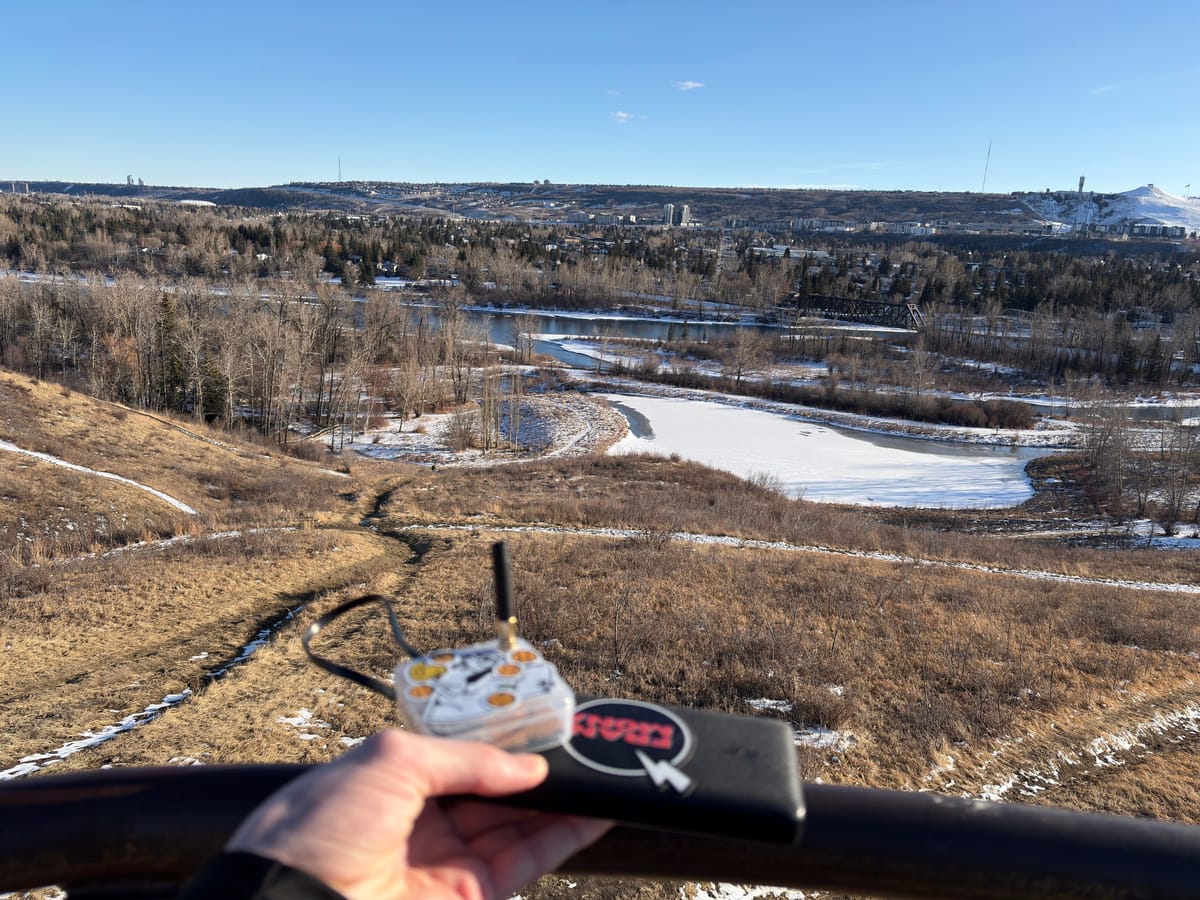
I recently discovered an open source series of projects that enable the use of highly affordable and power efficient LoRa (Long Range) devices to communicate with each other in mesh networks via radio completely decentralized over sometimes great distances. These radios operate on unregulated frequencies permitted in your country, which means you may need a different device depending on the specifications of your region. In my case, Canada shares the same 915 MHz band with the USA so sourcing units was pretty easy.
These devices are able to transmit and receive near real time text messages, GPS coordinates, temperature/humidity sensor readings, encryption and more recently can even sync via TAK on both Android and iOS. All nodes communicate with each other via P2P over radio throughout the mesh, however they are intended to be interfaced by either Bluetooth to your mobile device or the WebUI.
This excited me as I immediately began to think of all the potential use cases of this technology. I quickly jumped to conclusions thinking LoRa would be a game changer for everything from blackout communications, rural communities, aiding search and rescue, camping/hiking, and strategic planning although after getting my hands on some LoRa equipment; I noticed a few flaws with this technology that may not make this a good fit for a lot of people such as ease of use.
Getting Started
To start off, I ordered two different LoRa devices that were both highly rated by the community and easily accessible to most people. The devices either arrived with slightly outdated firmware, or no firmware at all so both devices were required to be flashed with newer firmware in order to get the full capabilities out of the devices.
Meshtastic vs Meshcore
There are two main projects leading this space: Meshtastic and Meshcore. Both have their pros and cons, but overall, they are impressive projects supported by active and dedicated communities. The key difference lies in how they route traffic across the mesh network. Meshtastic relies on other clients to be able to receive and relay messages to the next nodes. This works well in mobile scenarios where no pre-existing infrastructure is available. Meshcore, on the other hand, depends on dedicated "receiver" nodes to pass data over longer distances more reliably. To get my started I chose to go with Meshtastic. My idea behind this was that I didn't want to rely on existing infrastructure, and to really push the devices to their limits to see how they would perform in search and rescue or urban environments.
Flashing the devices themselves was pretty painless, Especially the T-Echo. The Heltec V3 required a little bit of troubleshooting to get the proper serial drivers installed in order for the device to interact with the web flasher found on Meshtastic's website. Luckily it doesn't seem like all devices are as complected to flash for the less-technical to get set up as the T-Echo was much simpler in this process and just required me to drag and drop the firmware file onto its storage similar to a USB (No drivers or config was needed). Once the devices were flashed they were ready to go and I booted them up for the first time (making sure the antenna was always attached to prevent damaging the devices), then I just needed to pair them to my mobile device via Bluetooth and configure the radio settings.
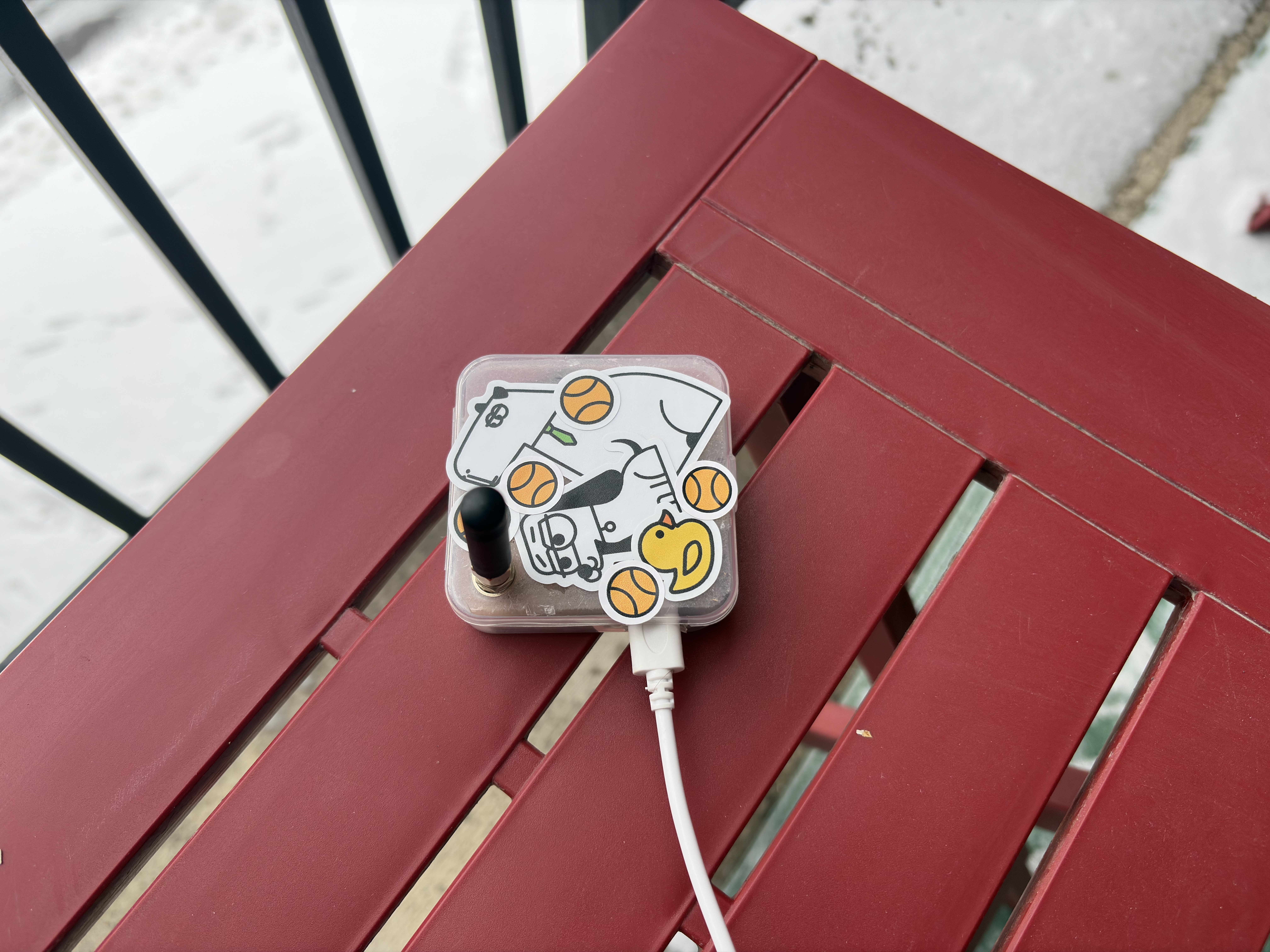
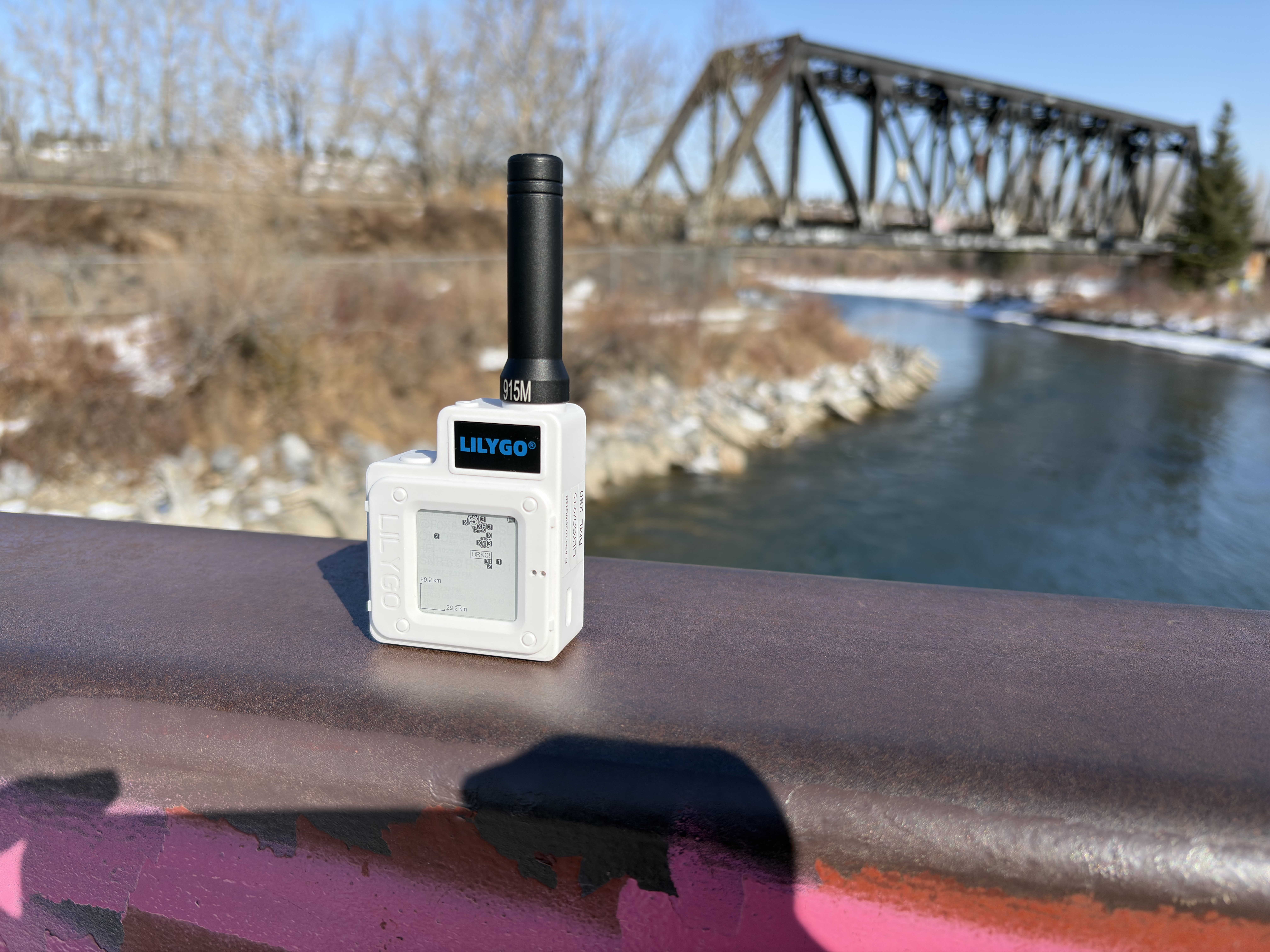
Left: Heltec V3 in redneck case. Right: Lilygo T-Echo
Heltec V3
This device was the first to arrive and is also one of the cheapest options available to get into the LoRa space. One feature the Heltec V3 has over the Lilygo T-Echo is the WiFi antenna embedded into the chip, allowing the node to be accessed via WebUI instead of only Bluetooth. This particular unit is a pretty common kit that can be found online including the Heltec V3, antenna adapter, and a cheap antenna. As I do not own a 3D printer, I did my best to turn the case that the chip came in into a stationary node.
While the Heltec V3 does feature a built in screen, I found that it didn't have very much use to me since my phone would always be closer, and the waterproofing was a higher priority so I sealed the lid of the case.
Despite the price, I was quite impressed at what this node was capable of. Sure, the T-Echo had slightly longer range and was a little more reliable but for less than half the price the Heltec V3 was holding up to the T-Echo pretty good in my testing, even with the cheap tiny antenna it came with.
Lilygo T-Echo
This device is a much more premium priced device featuring a much more effective and power efficient SX1262 chip (vs the Heltec V3's ESP32 chip), 850mAh internal battery, BME280 chip for telemetry/weather monitoring, Internal GPS chip, a beautiful and power efficient backlit E-Ink display, a decent antenna, and a beautiful ABS case (Most cases are 3D printed). This device is a good size to throw in either a backpack or your jacket pocket, and would likely be the most reliable of the two devices albeit at a large price difference.
While this device only comes with a 850mAh battery, it still seems to last around 2 days before needing a charge (in a busy mesh). While this could be annoying to some, both of these devices are completely upgradeable allowing you to attach a higher capacity battery if desired.
While the stock antenna for this device is quite good, members of the community have conducted tests and determined that these stock antennas are tuned way off target, and that the device would greatly benefit from an upgraded antenna. Due to this, I ordered another highly acclaimed antenna recommended to me by the community, although it has not arrived for testing as of writing.
Radio Settings
After doing some research, I learned that the default LongFast preset is mostly filled with bots and MQTT (routed via internet) spam traffic, and noticed that my city has a dedicated community supporting a different frequency. After changing to the groups radio frequency, I was able to detect a whole different subset of nodes available in the area. In this new network, I was able to connect with several other enthusiasts and hold conversations completely decentralized. A common issue people face when trying out LoRa is the lack of contacts in their area, I am very lucky to be surrounded in a densely populated mesh consisting of around 140 nodes. With this setup, I have been able to successfully receive and transmit messages to nodes on the opposite side of the city.
Pro's and Con's
Pro's
- Decentralized Communications
- High Power Efficiency
- Affordable
- No subscription
- Large Feature Set (Messages, GPS, Telemetry, TAK)
Con's
- Relies on other nodes in proximity to each other
- LoRa is line-of-sight. It's not magic and your signal can often be interrupted especially with obstacles
- The entire mesh is vulnerable to traffic overload and jamming
- May take some technical knowledge to get set up
- Hard to power with even high-end external battery banks (They don't detect the devices pulling enough power to keep the battery packs on)
- The official fix for this is to install a proper internal battery for a device
Next Steps
- Test upgraded antenna when it arrives
- Move stock Lilygo T-Echo antenna to stationary node
- Test Lilygo T-Echo in urban environments
- Build a Solar Node?
Conclusion
Thanks for sticking through my first ever blog post.
While LoRa might not be capable of all i chalked it up to be, I think it is still a very interesting piece of technology and still does have some valid applications, especially in rural environments. I look forward to getting to learn some more about it and perhaps if I do something cool with it I'll make a follow up post.